


10.1 Inch WiFi Digital Photo Frame with 32GB Storage: A Practical Review
Digital photo frames have come a long way from the days of loading images onto a memory card by hand. The 10.1 inch WiFi Digital Photo Frame with 32GB Storage is part of that shift, using a wireless connection and a companion app to move photos from a phone to a frame without cables or card readers. For anyone who wants to keep family moments visible without wrestling with file transfers, this frame is worth a closer look. This review walks through what the product offers based on the information provided, so you can decide whether it fits your needs.
Design and Display
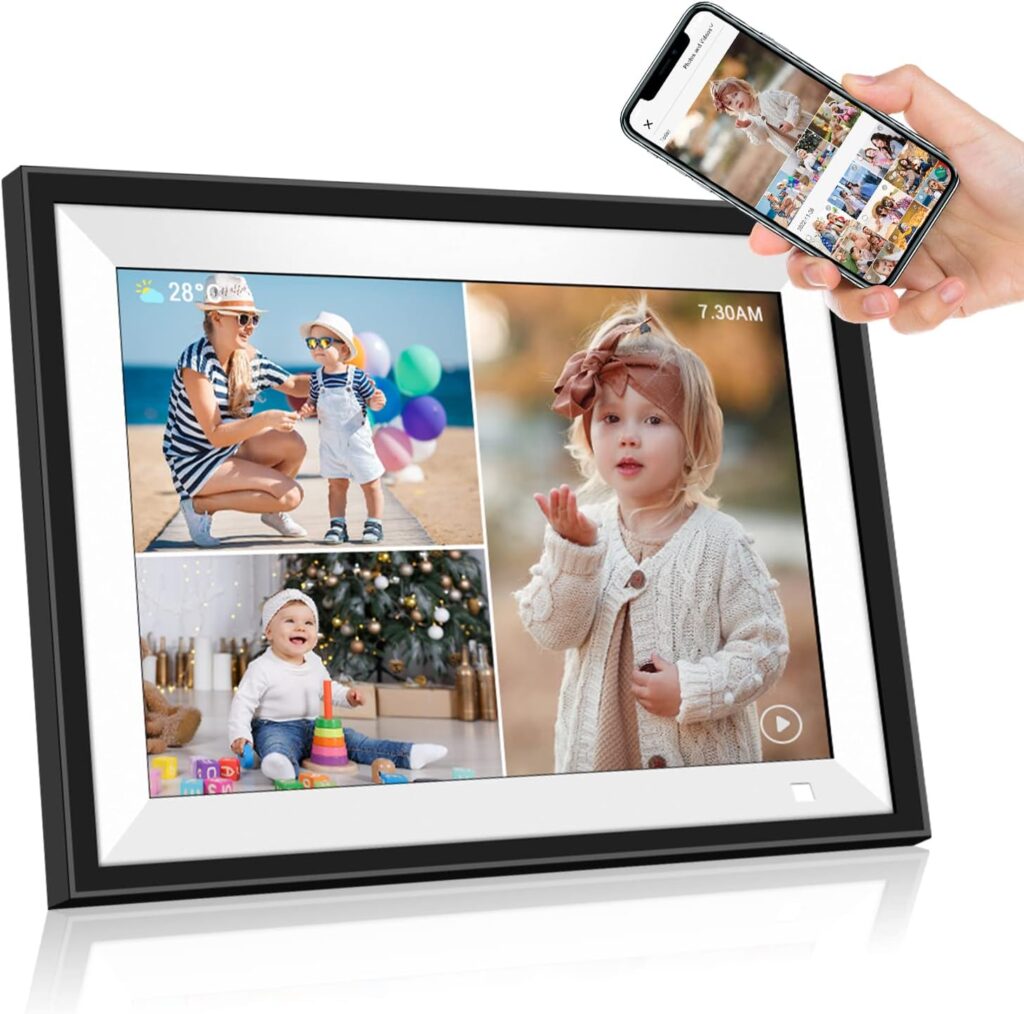
The frame uses a 10.1 inch IPS panel with a 1280 x 800 resolution and a 16:9 aspect ratio. That combination is a sensible fit for a photo frame, since the widescreen shape matches how most phone photos and videos are captured. The IPS technology is stated to support a wide viewing angle and accurate color reproduction, which matters if the frame will sit on a side table where people view it from an angle rather than straight on.
Physically, the unit measures roughly 28.2 x 20 x 3.1 cm according to the listed item size, with product dimensions also given as approximately 27.94 x 20.32 x 2.51 cm. The frame weighs around 590 grams. It ships with a frame stand, and the design also includes two hangable holes, so it can either rest on a surface or be mounted on a wall. The stand is described as removable, which gives some flexibility in how the frame is positioned. An auto-rotate function means the frame can be placed in portrait or landscape orientation, and it will adjust the photo to fit accordingly.
Features and Technology
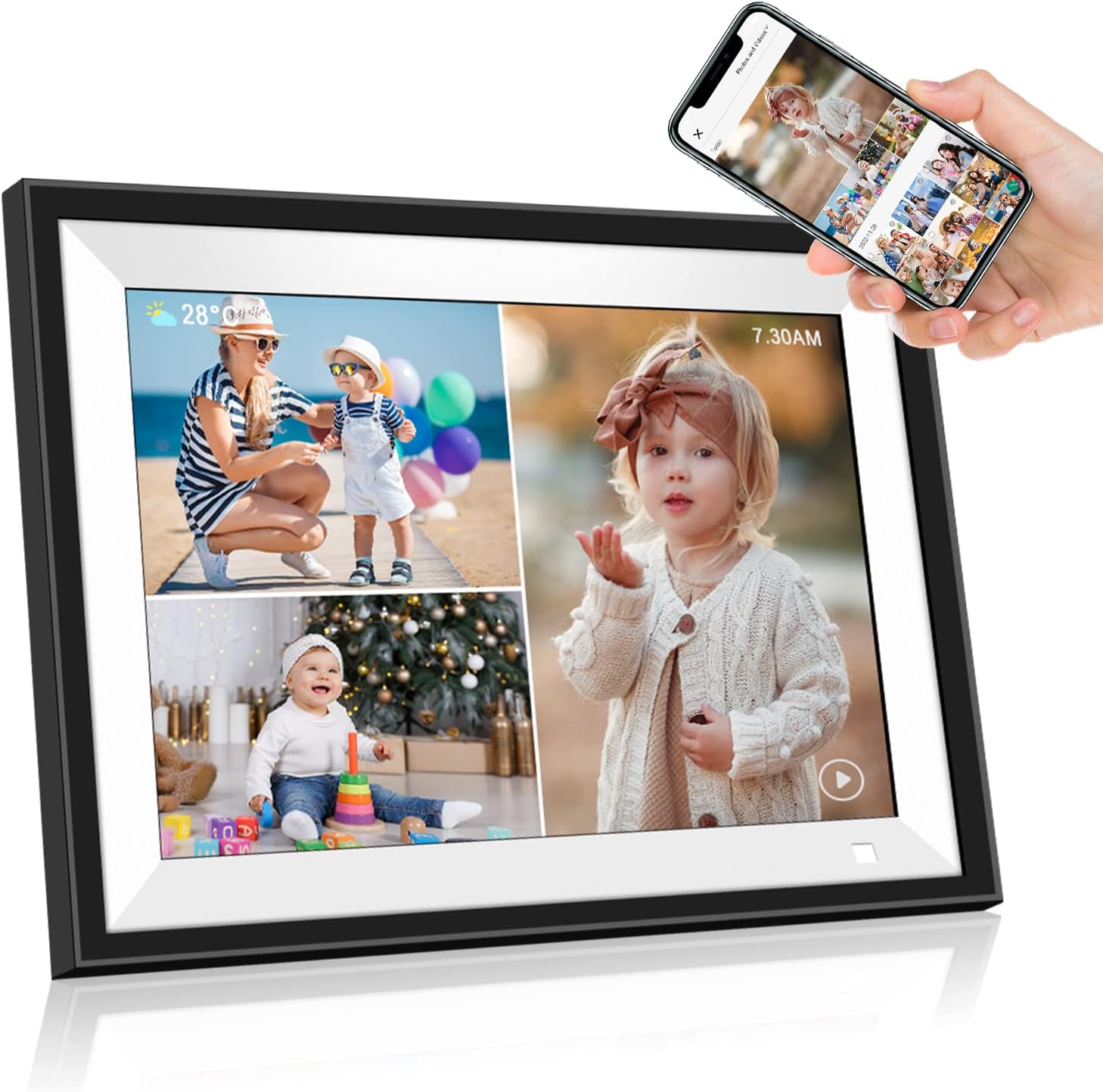
The headline feature here is WiFi connectivity, though it is worth noting that the frame supports only 2.4GHz networks. That is a common limitation for this type of device and something to check against your home router before buying. Once connected, the frame pairs with the free BiuFrame app, available on the Apple App Store and Google Play. Through the app, photos and videos can be sent from a phone to the frame in seconds, according to the product information.
The frame also includes AI-assisted photo matching. The stated purpose is to intelligently group photos that are similar or complement one another, which the product describes as a puzzle mode. In practice, this is intended to reduce the chore of sorting through large photo libraries. The frame supports slideshow playback, and it can stream music broadcasts to set a soundtrack alongside the images.
Storage is handled by 32GB of built-in memory. External storage is supported through Micro SD or USB, though the maximum external capacity is listed inconsistently: one part of the specifications states a 32GB maximum, while another mentions a Micro SD card up to 64GB. Because the source information conflicts on this point, it is worth verifying the supported limit before relying on a specific card size. The included Micro SD card is not part of the package.
Motion Sensor and Power Behavior
One of the more thoughtful additions is a motion sensor. The frame is designed to turn on automatically when someone approaches and turn off when they move away. It also has a sleep mode that switches off the screen to reduce power consumption. For a device that may stay plugged in for long periods, this kind of automatic behavior can help avoid a constantly glowing screen in a living room or bedroom.
Setup and Everyday Use
Setting up the frame involves downloading the BiuFrame app, connecting the frame to a 2.4GHz WiFi network, and then sending photos or videos from a phone. The product describes this process as quick, with images appearing in seconds. The touch screen is intended to make on-frame operation straightforward, and the product specifically notes that this is friendly for older users or people who are not comfortable with technology.
Sharing is not limited to one person. The frame allows multiple family members to send photos and videos to the same device through the app, and it supports inviting an unlimited number of friends and family to share pictures over WiFi. Photos can also be sent by email, and the product states they appear in seconds. For families spread across different cities or countries, this removes the need for anyone to physically handle the frame or its storage.
The package includes the digital picture frame, a frame stand, a DC adapter, and a user manual. There is no mention of a remote control, so operation relies on the touch screen and the app.
Who Is This Frame Best For?
Based on the stated features, this frame suits a few clear situations. It is a reasonable option for anyone who wants to display a rotating collection of phone photos without manually transferring files. The app-based sharing and unlimited participant invitations make it a natural fit for families who want a shared photo destination, particularly when relatives live far apart.
The touch screen and simple app workflow are described as friendly for older or non-technical users, so it could work well as a gift for grandparents or parents. The product also positions itself as a gift choice for occasions such as Mother’s Day, Father’s Day, Christmas, and family gatherings. The auto-rotate and wall-mount options give it some flexibility for different rooms and setups.
It is less suited to anyone who needs 5GHz WiFi, since only 2.4GHz is supported. Buyers who want to load a very large external card should also confirm the actual maximum capacity, given the conflicting figures in the specifications.
Final Verdict
The 10.1 inch WiFi Digital Photo Frame with 32GB Storage covers the essentials of a modern connected frame: a 1280 x 800 IPS touch display, app-based photo and video sharing, built-in storage, expandable memory options, motion sensing, and flexible placement through a removable stand and wall-mount holes. The BiuFrame app and multi-user sharing are the core of the experience, making it easy for several people to contribute to one frame.
The main caveats are the 2.4GHz-only WiFi and the inconsistent external storage limits in the supplied specifications. Neither is unusual for this category, but both are worth checking against your own setup. If you want a frame that keeps family photos flowing in from multiple phones without manual transfers, this model offers a practical, feature-rich way to do it.