





4K Smart Board for Classroom: A Closer Look at the KEINONE 55-Inch Interactive Display
Interactive displays have steadily moved from novelty to necessity in classrooms, meeting rooms, and collaborative workspaces. The KEINONE 4K Smart Board for Classroom, a 55-inch touchscreen model with 8GB of RAM and 128GB of storage, sits in that growing category of all-in-one displays that aim to replace several pieces of equipment at once. Rather than functioning as a single-purpose whiteboard, this unit is positioned as a multifunctional hub that can serve as a TV, projector, and high-resolution monitor in addition to its interactive duties. For anyone weighing whether a dedicated smart board makes sense for their space, understanding what this model actually offers is the first step.
Design and Build Overview
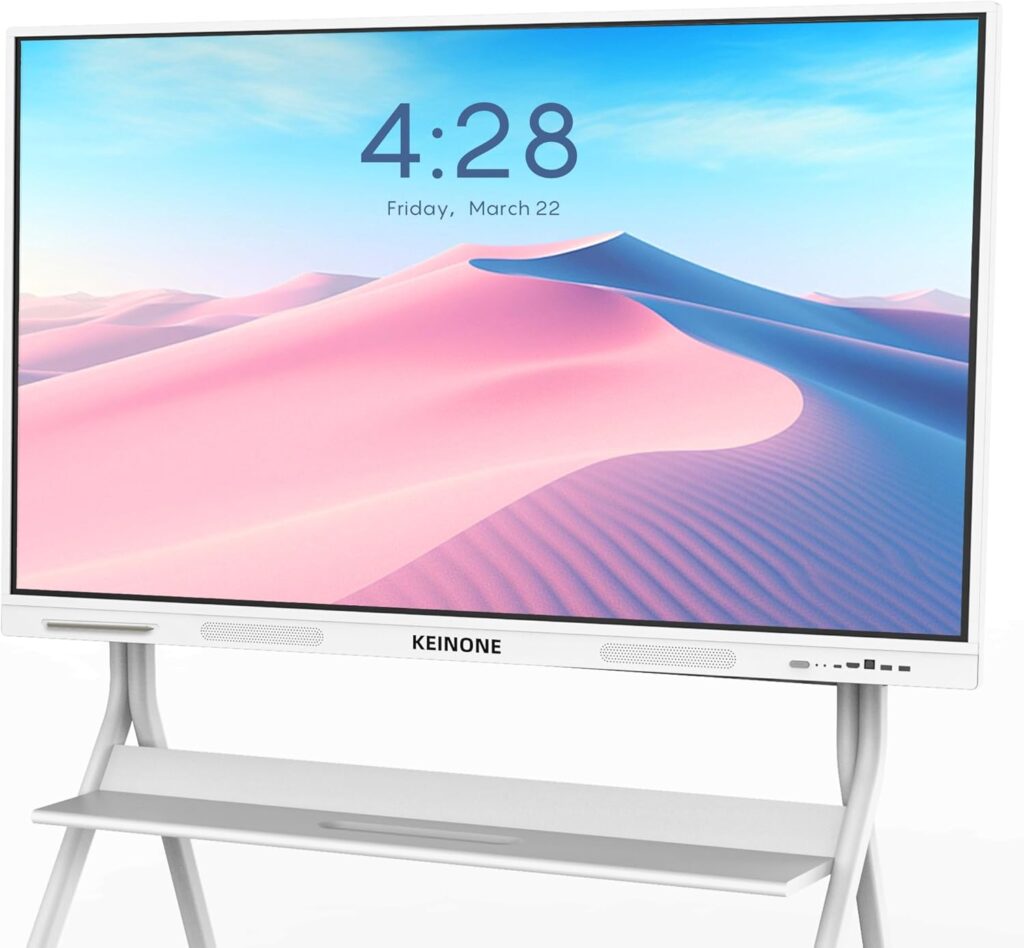
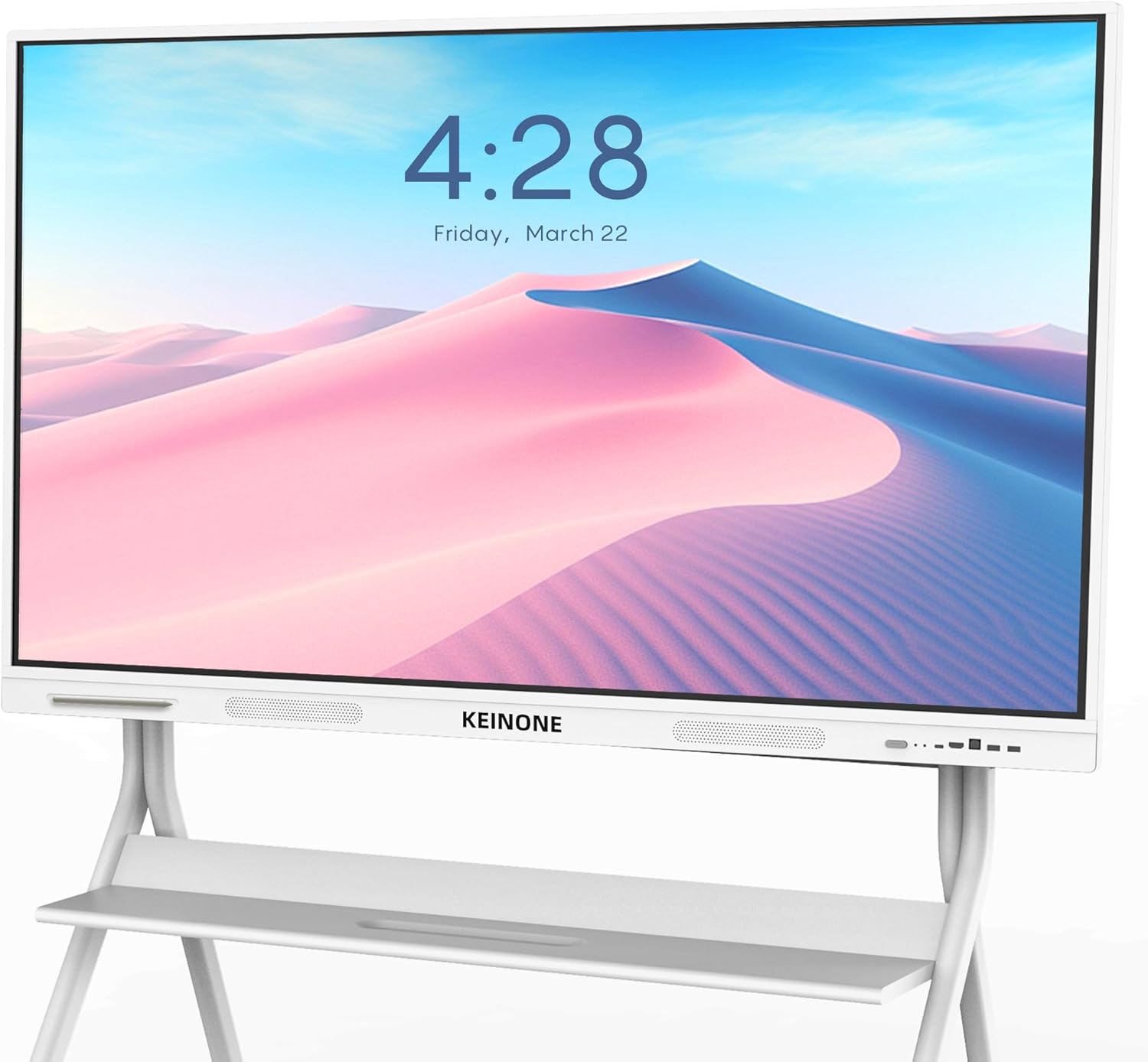
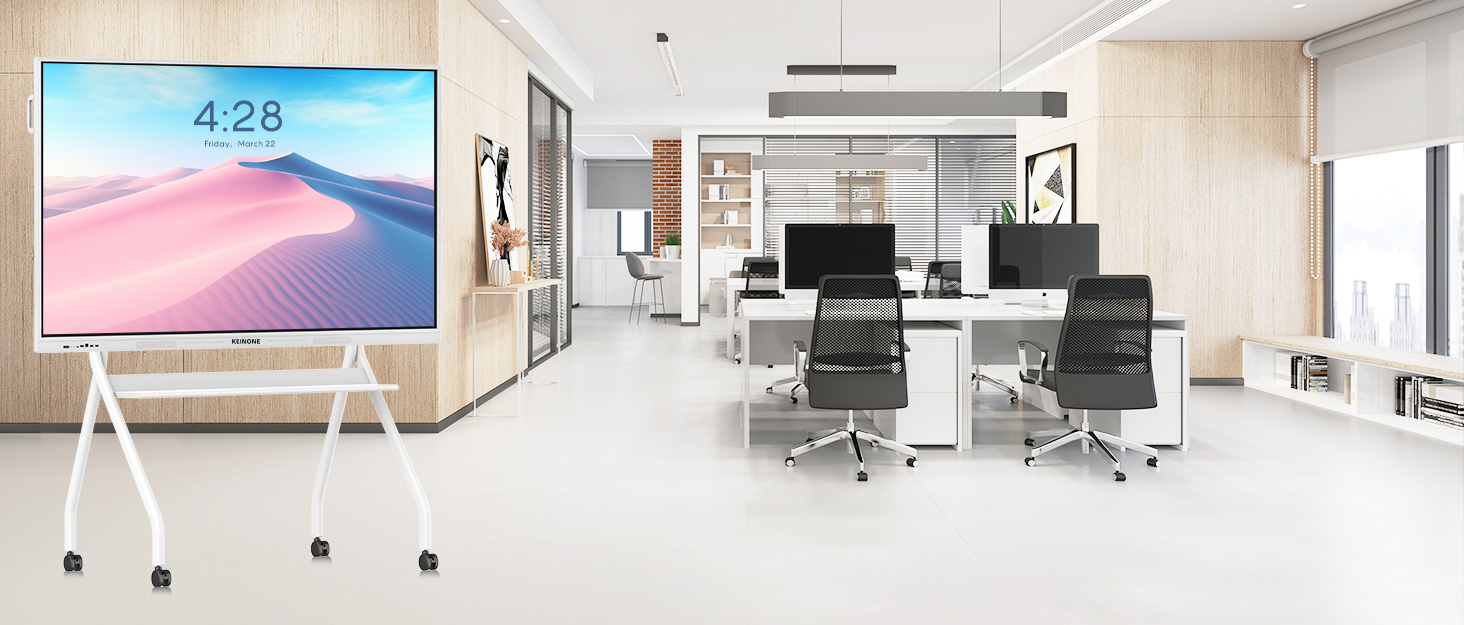
The KEINONE smart board measures approximately 8 x 126.01 x 76.99 cm and weighs 31.75 kg, according to the manufacturer’s listed dimensions. That footprint places it firmly in wall-mounted or stand-mounted territory rather than something portable, so it is best thought of as a fixed installation in a room where it will be used regularly. The 55-inch screen size is a common choice for classrooms and meeting rooms where viewers need to see content clearly from a moderate distance.
The display is manufactured by Dongguan Kingone Electronics Technology Co., Ltd. and carries the model number GQ-ZD-55H-01. KEINONE describes itself as a source production factory with an 18,000㎡ factory area, a research and development team of more than 20 people, and over 35 patents, and notes that it has been working in digital display technology since 2010. Those details speak to the company’s background in the display space, though the specific build materials of this unit are not detailed in the supplied information.
Features and Technology
The core appeal of this smart board lies in how much it consolidates. With 8GB of RAM and a 128GB SSD, the display is designed to handle multitasking without relying on an external computer for every task. KEINONE describes it as doubling as a TV, projector, and high-resolution monitor, which means a single installation can cover presentation, media playback, and interactive work. The 4K UHD resolution is stated to deliver what the manufacturer calls unparalleled clarity — a claim worth treating as the company’s own description rather than a measured result.
The touch interface is a central part of the experience. The board supports 20 touch points and is rated at 6ms latency, which the manufacturer presents as ultra-responsive. In practical terms, multi-touch support means several people can interact with the screen at the same time, which is relevant for group activities, brainstorming, and collaborative annotation. The stated latency figure describes how quickly the display responds to input, though real-world responsiveness can vary depending on the software in use.
Annotation is built into the workflow. Users can mark up a range of content types, from images to PDFs, which supports the kind of on-the-fly note-taking and highlighting that educators and presenters often need. The board also includes a built-in whiteboard with professional teaching tools, along with features such as text recognition and a variety of brushes. These tools are aimed at helping educators build lessons directly on the display rather than preparing everything in advance elsewhere.
For multi-source work, the split-screen function can divide the display into as many as six sections. That capability allows several pieces of content to remain visible simultaneously, which can be useful when comparing material or running multiple applications side by side.
Connectivity and Compatibility
The smart board is described as a connectivity hub with support for AirPlay, WiFi, Type-C, and HDMI. This combination covers both wireless and wired approaches: AirPlay and WiFi handle casting and network-based sharing, while Type-C and HDMI provide physical connections for compatible devices. The manufacturer states that the board supports simultaneous screen casting from up to four devices, which is a notable feature for environments where participants take turns presenting or where several people need to share content at once.
Because the connectivity options include both wireless casting and physical ports, the display can fit into a range of setups without requiring every source device to connect the same way. The supplied information does not specify which operating systems or device brands are supported beyond the mention of AirPlay, so compatibility should be confirmed for specific hardware where it matters.
Performance and Everyday Use
In day-to-day use, the combination of a 4K UHD panel, multi-touch input, and built-in processing points toward a display that can handle a variety of tasks without constant switching between devices. A teacher could run an interactive lesson, annotate a PDF, and then switch to playing video content on the same screen. In a business setting, the same board could support a hybrid meeting, with remote participants joining while in-room attendees share content wirelessly or through a cable.
The teleconferencing capabilities are highlighted as a way to support remote teams. KEINONE describes the interface as intuitive and the video quality as crystal-clear, framing these as benefits for virtual meetings and presentations. These are stated product claims rather than independently verified results, but they indicate the intended use case: bridging distance between in-room and remote participants.
The split-screen and multi-device casting features are where the board’s collaborative potential becomes most concrete. Being able to show up to six sections on screen while up to four devices cast simultaneously suggests a display built for environments where multiple inputs and multiple people are the norm rather than the exception.
Who Is This Smart Board Best For?
Based on the stated features and intended use cases, this display is aimed at a few clear audiences. Educators are the most obvious fit: the built-in whiteboard, teaching tools, text recognition, and annotation capabilities are all oriented toward classroom instruction, and the manufacturer explicitly describes it as a smart board for classroom use. Schools looking to turn a standard room into an interactive learning environment are the primary target.
Businesses are the second group. KEINONE references hybrid meetings and smart offices, and the connectivity options plus teleconferencing support suit meeting rooms where presentations and remote collaboration happen regularly. The ability to cast from multiple devices at once is particularly relevant for teams that share screens frequently.
Retailers are also mentioned as a use case, with the company referencing immersive advertising. A 55-inch 4K display with built-in media capabilities could serve in that context, though the supplied information does not detail specific retail software or signage features.
Final Verdict
The KEINONE 4K Smart Board for Classroom packs a considerable amount of functionality into a single 55-inch display. Its 8GB of RAM and 128GB SSD support standalone operation, the 4K UHD panel covers visual clarity, and the 20-point touch interface with 6ms latency addresses interactive responsiveness. Connectivity through AirPlay, WiFi, Type-C, and HDMI, along with support for casting from up to four devices and splitting the screen into as many as six sections, makes it a flexible option for rooms where multiple people and multiple sources are common.
The built-in whiteboard and teaching tools, combined with annotation across images and PDFs, give it a clear educational focus, while the teleconferencing and hybrid meeting features extend its relevance to business settings. The manufacturer also states that 24-hour customer service is available, which is worth noting for buyers who value after-sales support.
What the supplied information does not cover includes specific build materials, warranty terms, and detailed software compatibility, so those are areas to verify before purchase. Taken as a whole, this smart board is a well-specified option for classrooms, meeting rooms, and similar collaborative spaces where an all-in-one interactive display is the goal.